

We started off this class with making a romantic-comedy poster of any movie or series. At first it was difficult to confine our thoughts to think of a particular topic but we gradually managed to do it. We experimented by taking various pictures from the internet, making some on illustrator and also some drawings. We also took the pre-existing posters of a particular movie or series and tried to modify it. It was a fun exercise and we got to learn about many tools that we’d not explored.
We also learnt to use vector masks. A vector mask uses vector shapes to selectively mask an area of the image.
pen tool>layers>paths.select all>the layer that is above>vector mask>use current/selected paths.
I was always confused between layer masks and vector masks and after exploring and learning more about it, this is the information that I’ve gathered:
When cutting an object out,we can choose between Layer Masks and Vector Masks, here are some differences between the two.
Layer Masks
• Determines visibility based on pixels, not shapes.
• Paint white on a Layer Mask to make areas visible, black to make them invisible
• Allows Filters like Blur and Sharpen
Vector Masks
• Determines visibility based on Pen Paths and shapes
• Paths can be altered at any time, revealing different parts of an image
• Add feathering using the Properties Window
We also created a new brush and made a digital painting with that brush.
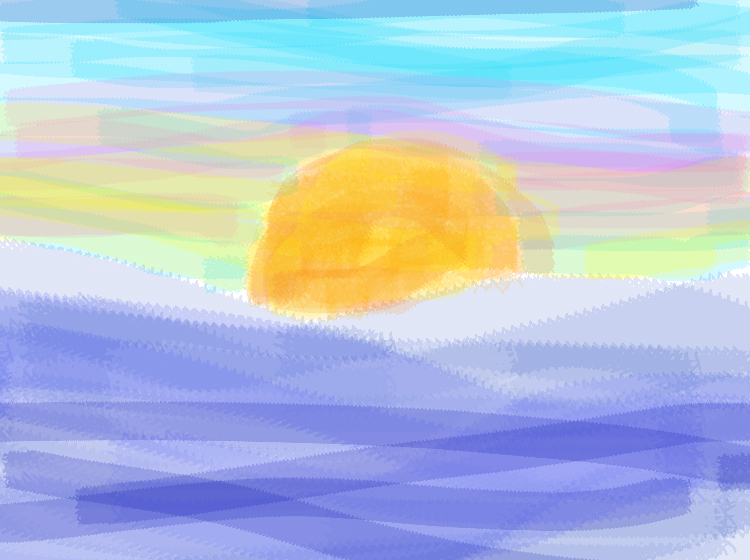
first digital painting 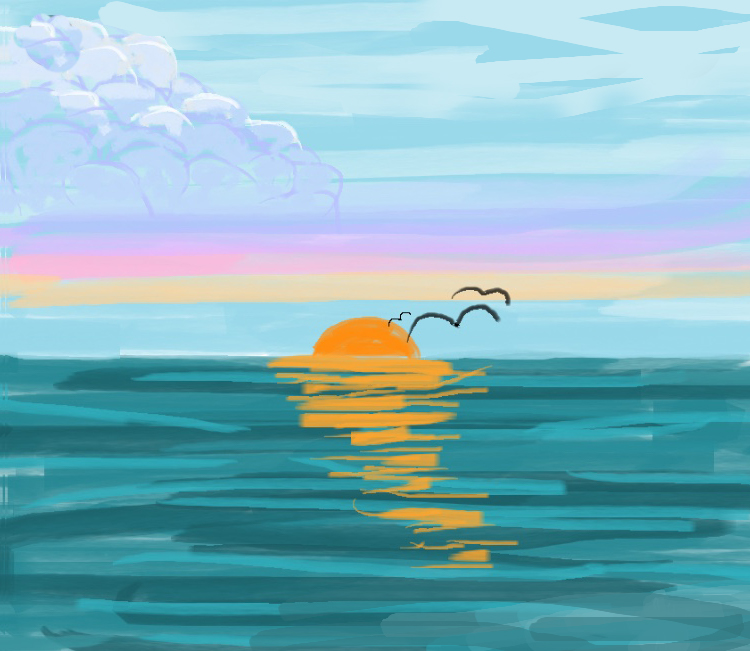
second digital painting


 AYUSHI JAIN