
In this class we had to bring our test prints. I tried sending jpeg files to the printing shop but the clarity was getting ruined. Then I spoke to one of my classmates who showed me how to export the file from indesign. The first thing to do is to go to file>print booklet. Then I changed to page size and the format in which I wanted the printout. After getting the printout, one of my letter on the cover page got cut so sir asked me to put bleed for my entire document. Sir individually sat with all of us and graded us on our process work. He even told us what we could improve and gave us some ideas for getting a better printout for the final submissions. Sir was quite happy with my style but the master pages and layouts had some minor issues. I had hyphenated text on my master page. For the last two layouts I wasn’t very happy with them because my essays weren’t chosen so I didn’t know what elements to put in them. For the page number, I don’t think it was very important because this was only a 5 page booklet. Sir asked me to put a common page number for one chapter in the final booklet.
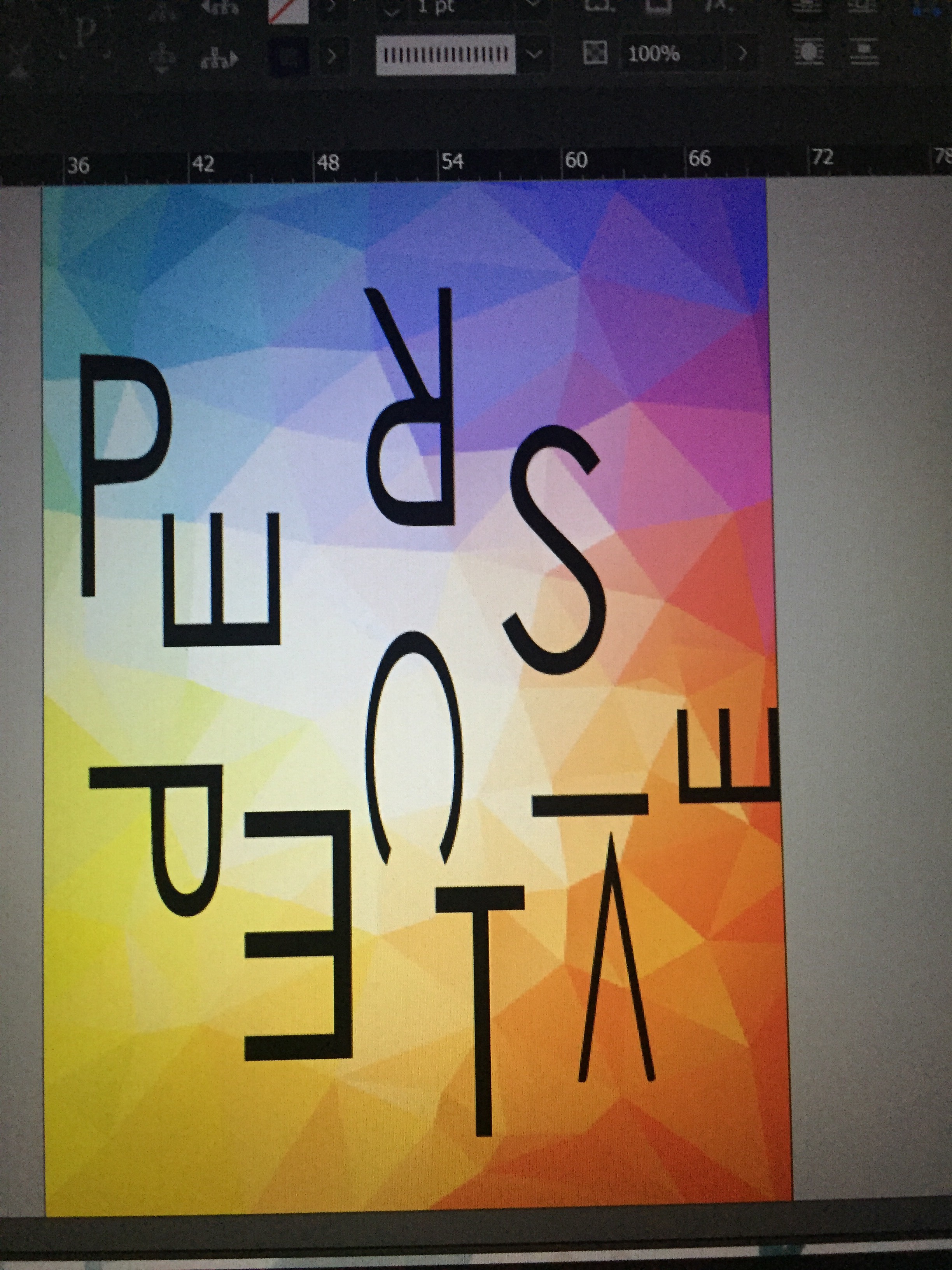
For the cover page, I thought of putting the word ‘perspective’ in a two point perspective with some inverted and rotated letters but it didn’t fit on my page and didn’t look as I was expecting it to. So I went for this simple layout by putting the letter randomly anywhere. I wasn’t very happy with my cover page after the print.
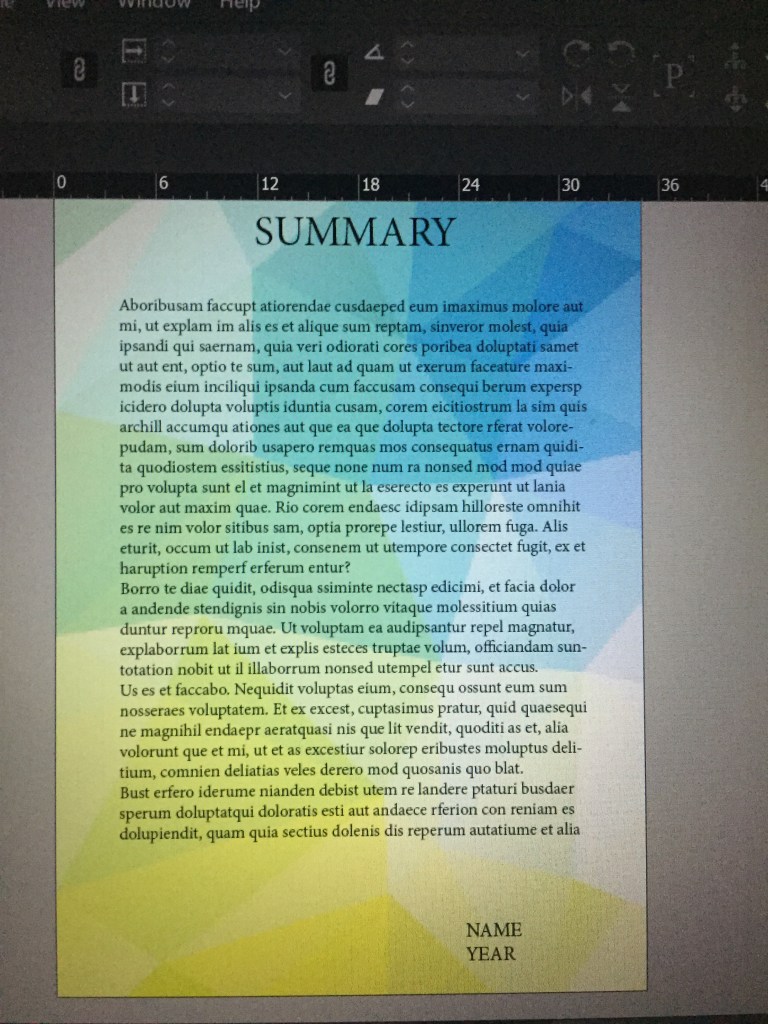
For the last page a thought of summarising all my essay in 1/2 lines so that people get a gist about the book without reading the entire book.
After this, I had a discussion with sir about how to improve the quality of work I’m doing. He told me to practice more and more and to keep making mistakes and learning from it. For the final print I will be working on the cover page and two layouts.

 AYUSHI JAIN